
Free AI Video Length Extender Online
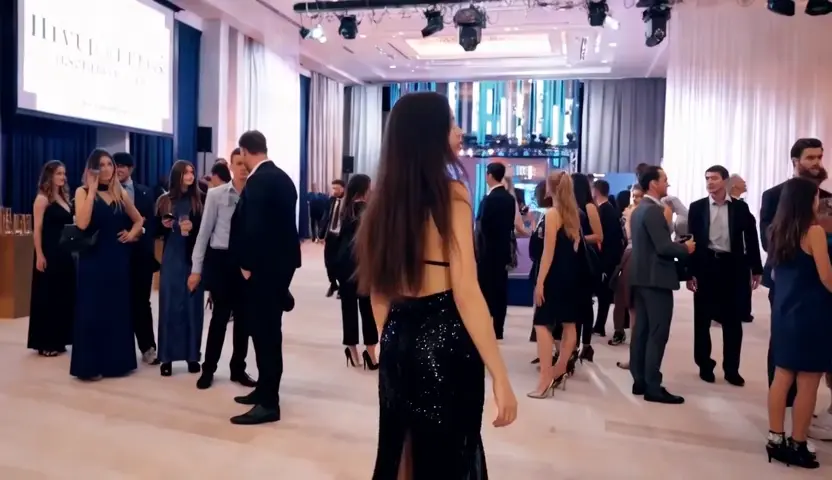
Upload a clip that ends too soon and Talvoi generates what happens next, continuing motion, lighting and grain from your final frame instead of freezing or looping it. The same upload can also grow sideways, turning a widescreen shot into a vertical one by extending the background rather than cropping your subject out of frame. Free to start in the browser, MP4 in and MP4 out.
What is Talvoi's AI Video Extender?

Talvoi's AI video extender is a generative continuation tool: you upload footage you already have, choose how much longer or wider it should be, and the model renders new frames that pick up exactly where the source leaves off. It works in two directions. Extending in time adds seconds to the head or the tail of a clip by continuing motion rather than holding a still, while extending in frame generates picture beyond the original borders for a different aspect ratio. Because every new frame is conditioned on your real footage instead of a written script, camera movement, color grade and grain carry across the join. Camera footage and short AI renders are both accepted, and exports stay MP4.
How Does Talvoi's AI Video Extender Work?
Step 1: Upload the Clip You Want to Extend
Bring in an MP4 or MOV from your camera roll, your editor export, or a short generative render. Talvoi analyses the last second of motion along with the color profile and grain structure before it generates a single new frame.
Step 2: Add Duration or Widen the Frame
Set how many seconds to add and whether they land before or after the original, or switch to canvas mode and choose a target ratio such as 9:16 or 1:1. An optional prompt steers what should enter the shot when the extension needs a specific action or a particular piece of scenery.
Step 3: Check the Seam, Then Export MP4
Step through the join frame by frame, regenerate only the extension when the motion drifts, and stack another pass when one round is not long enough. Downloads keep your source resolution and frame rate, and it stays free to start before you spend credits on a longer render.
What You Can Do with Talvoi's AI Video Extender?
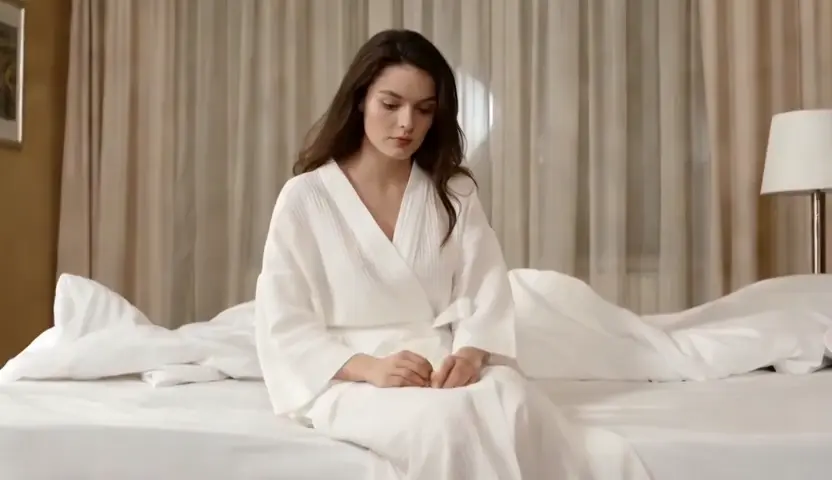
Stretch a Short Cut to Fit an Ad Slot or a Music Beat
Media placements work in fixed lengths, and a shot that runs six seconds will never fill a fifteen-second slot. Add the missing time to the tail and Talvoi continues the same camera drift and ambient movement, so the cut resolves on the beat instead of freezing on a held frame. Editors reach for this AI video duration extender to rescue b-roll that was rolled too short, rather than booking a reshoot or padding the timeline with a crossfade nobody believes.
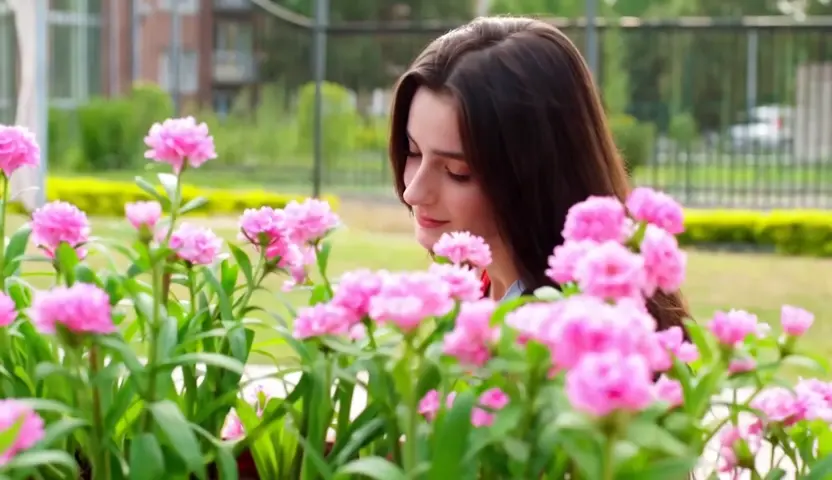
Reframe Widescreen to Vertical Without Cropping
Repurposing a landscape edit for vertical feeds normally means zooming in until half the composition falls outside the frame. Extend the picture instead: Talvoi paints new background above and below the original image, matching perspective, light falloff, and parallax as the camera moves through the shot. A 16:9 master becomes a full-bleed 9:16 cut where the subject stays centered and the set simply continues past the old edges.

Push Generative Clips Past Their Length Limit
Most video models return five to ten seconds and stop, which is a fragment rather than a scene. Feed that render straight back in and the extension continues it, holding character appearance, wardrobe, and light direction across the join so a truncated output grows into a usable shot. Stacking passes builds length in stages, letting you approve each seam before committing credits to the next stretch of generated footage.
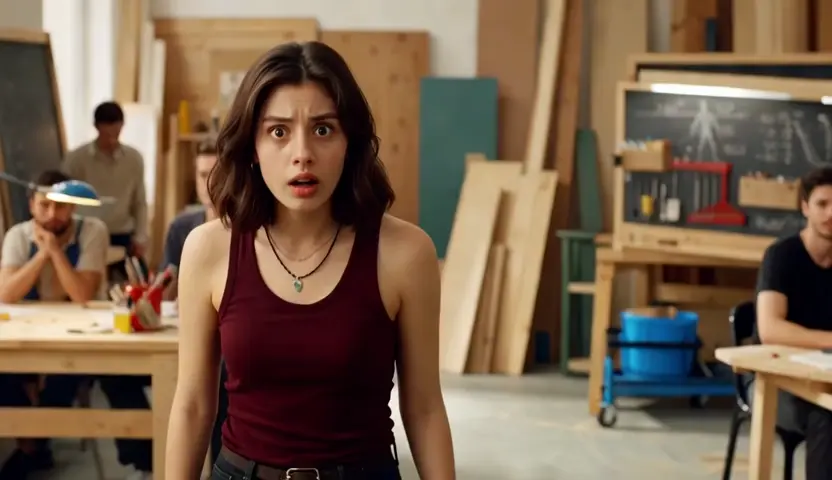
Buy Timing for Loops, Reactions and Meme Edits
Comedy lives on timing, and the funniest moment is usually one second short. Hold a reaction longer, let a gesture finish, or close a clip into a seamless loop where the final frame flows back into the first with no visible jump. Creators extend video with AI to land a punchline properly or to build looping backgrounds for streams, title cards, and pinned posts, all without touching a keyframe editor.
Who is Talvoi's AI Video Extender for?

Short-Form Editors and Repurposing Teams
One master edit has to become a vertical cut, a square cut, and three different lengths before the campaign ships. Extending frames and durations is faster than recropping every version by hand and losing composition on each pass.

Advertisers, Producers and Media Buyers
Placements come with hard duration rules that real footage rarely respects. Adding believable seconds to an approved cut keeps a campaign on air without reopening a shoot budget or rushing a new edit through review.

Filmmakers, Motion Designers and Solo Creators
Generative clips tend to stop right where the scene starts working. A free AI video extender is how a folder of short renders becomes a sequence long enough to cut together and score.
Why Choose Talvoi's AI Video Extender?
A Seam You Have to Hunt For
Extension quality is judged at exactly one frame: the join. Talvoi conditions new footage on motion vectors, color profile, and grain sampled from your final real frames, so movement carries through the splice instead of restarting. When the work is done properly, a viewer cannot point to where your footage ended and the generated part began.
Longer in Time or Wider in Frame, One Upload
Two different problems share the same workspace. Duration mode continues the action forwards or backwards along the timeline, while canvas mode generates picture beyond the original borders for a new aspect ratio. Switching between them costs you nothing but a setting, with no re-export and no second tool in the chain.
Your Source Settings Survive the Export
Resolution, frame rate, and color are carried through rather than flattened into a generic render that no longer matches the rest of your timeline. Talvoi is free to start online, uploads stay private to your workspace with no public gallery, and exports on eligible plans download without a watermark.