
Text to Video AI Editor Free Online

Talvoi reads your prompt or script, splits it into shots, and renders each one with its own camera move, pacing, and narration. Instead of a slideshow, you get a video from text that actually cuts like edited footage, sized for TikTok, YouTube, or a landing page. Free to start in the browser, with no footage to upload and no timeline to learn.
What is Talvoi's Text to Video?
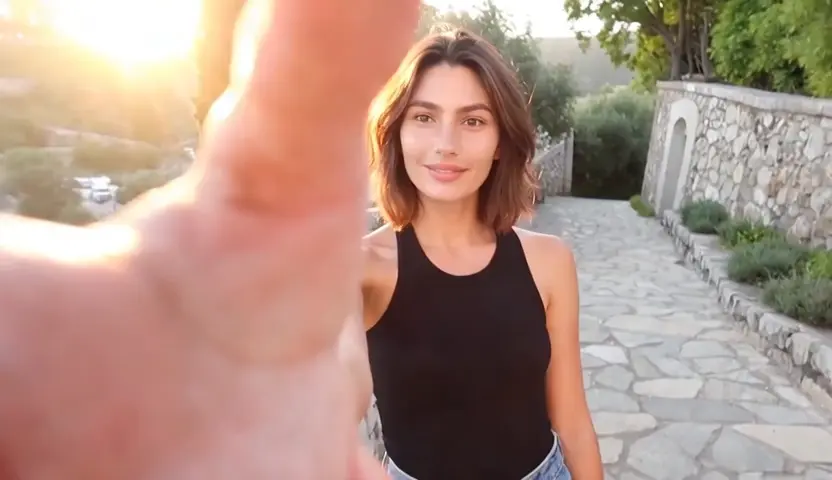
Talvoi's text to video is an AI video generator from text: you write what should happen, and the model produces the footage itself instead of pasting stock clips behind your words. The system parses your script into scenes, gives each one a camera move and a duration, then renders frames that stay coherent while subjects move. Because generation starts from language rather than an uploaded still or a manual timeline edit, it fits people who have the idea written down but no footage to work with. Voice, captions and aspect ratio are decided in the same pass, so one prompt returns a finished vertical or widescreen clip.
How Does Talvoi's Text to Video Generator Work?
Step 1: Write or Paste Your Text
Drop in anything from a one-line idea to a full script, blog section, or product description. Talvoi reads it as a story before it reads it as a prompt, then decides how many shots the piece needs.
Step 2: Set Style, Voice and Aspect Ratio
Pick a visual style, camera energy, narration voice, and 9:16, 1:1, or 16:9 framing. Lock a character or style reference here when the same subject has to reappear in every shot of your AI text to video project.
Step 3: Generate, Preview and Download
Render the clip, scrub it shot by shot, and regenerate only the scene you dislike rather than the whole sequence. Exports come out as MP4 up to 1080p, and it stays free to start so you can prove the idea before committing to a longer render.
What You Can Do with Talvoi's Text to Video?
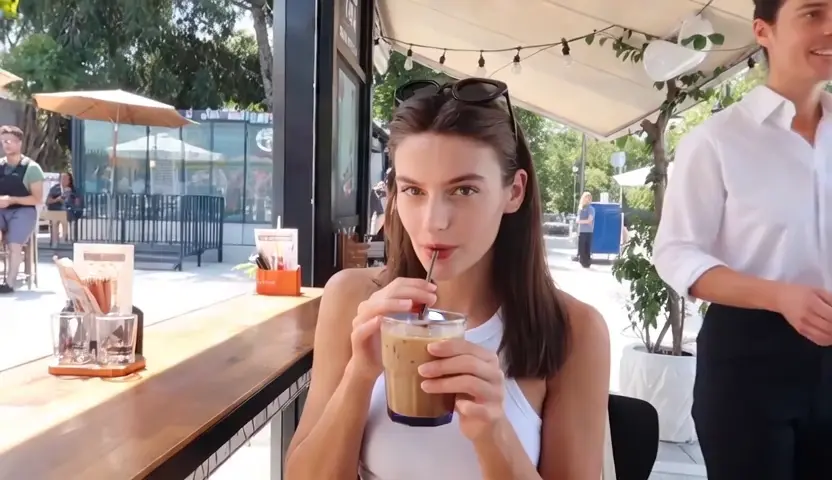
Turn a 30-Second Script Into Short-Form Video
Paste the hook, the body, and the payoff of a short script and get a vertical cut back with every beat given its own shot. Talvoi ties shot length to narration timing, so the picture changes exactly when the sentence does instead of drifting behind the voice. For faceless channels, this text to video converter workflow replaces the daily shoot, and captions are burned in at export ready for TikTok, Reels, and Shorts.
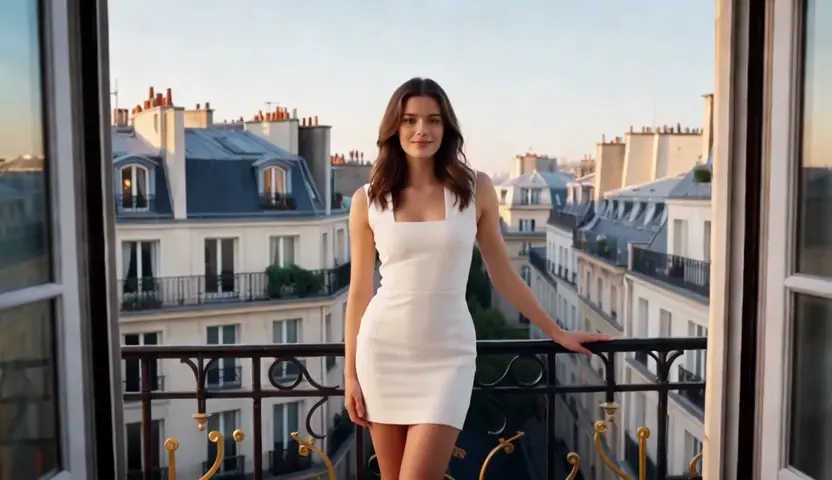
Turn Product Copy Into Ad Creatives
Feed in a product page, a feature list, or a single promo angle, and the generator builds an ad-shaped sequence: problem shot, product shot, benefit shot, closing call to action. Camera moves stay slow and tight on the object so it still reads at thumbnail size in a crowded feed. Growth teams use this AI video maker from text to spin ten variants out of one description and let the winning cut earn the budget.
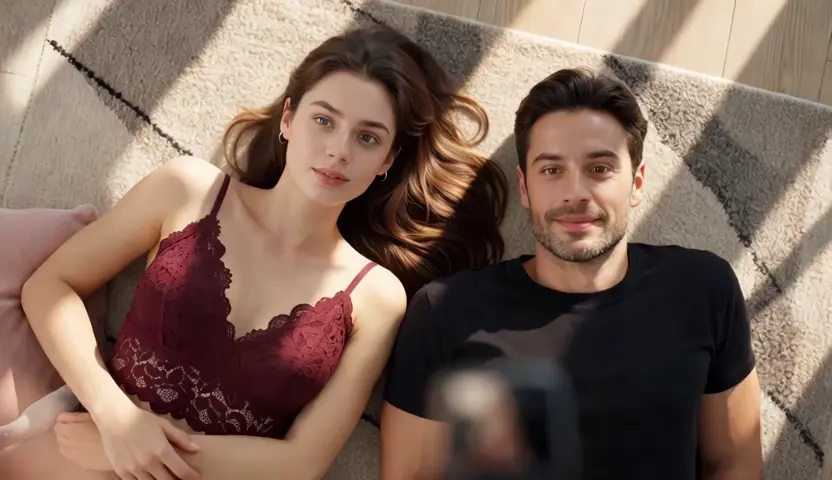
Turn Lessons and Articles Into Explainers
Long text is where most tools collapse, so Talvoi chapters an article or lesson plan before rendering anything and holds one visual metaphor per idea. Narration is paced for comprehension rather than speed, and key terms surface on screen at the moment the voice reaches them. It is how course creators and onboarding teams convert text into video documentation without booking a studio or a presenter.
Turn Written Stories Into Animated Scenes
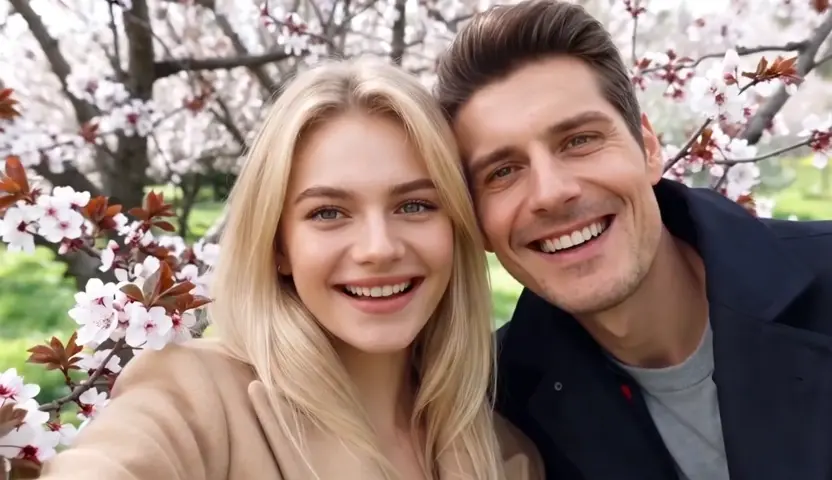
Screenwriters and indie animators use text to animated video AI to watch a scene before spending weeks building it. Talvoi carries the character reference across cuts, so a protagonist described once keeps the same face, wardrobe, and proportions from shot three to shot ten in anime, 3D, or cinematic styles. What comes back is a watchable animatic you can pitch, share, or rebuild from a tighter prompt.
Who is Talvoi's Text to Video for?

Social Creators and Faceless Channel Owners
Publishing daily is a volume problem, and filming is the bottleneck that breaks the schedule. A free AI video generator from text removes the shoot entirely, so a creator ships a vertical clip in the time it once took to light a room.
Marketing Teams and E-commerce Sellers
The campaign copy already exists; the video almost never does. Turning that copy into ad cuts in-house means testing more angles every week without an agency turnaround or a production line item.
Educators, Course Creators and Storytellers
Explaining something clearly matters far more than owning gear. Writing the explanation and letting AI create video from text keeps lessons, onboarding modules, and story pitches moving at the speed of a first draft.
Why Choose Talvoi's Text to Video?
Shot-Level Direction Instead of One Long Guess
Most free AI video creators treat a prompt as a single instruction and hand back one drifting clip. Talvoi builds a shot list first and assigns every line its own framing, camera move, and duration. That is why a 20-second render reads as edited footage rather than one continuous hallucination.
Consistency That Survives the Cut
Characters, palettes, and lighting are pinned to a reference before rendering starts, which is what stops a face from changing between shot two and shot five. Motion is checked frame to frame, so a gesture carries through a transition instead of resetting. Consistency, not resolution, is what makes AI generated video from text look intentional.
Browser Workflow, Clean Exports, Free to Start
Nothing to install and no timeline to learn: write, generate, download. Talvoi is free to start, exports are watermark-free on eligible plans, and every render stays private to your workspace with no public gallery. The videos you generate remain yours to publish wherever you want.