
Image to Video Maker - Free AI Video Generator From Photo
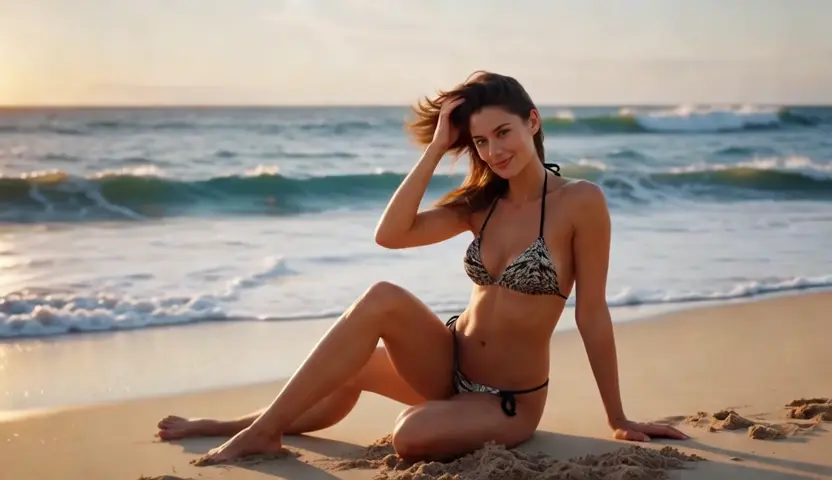
Upload one photo or a full set, describe the motion you want, and Talvoi renders a real clip instead of a zooming slideshow. The subject stays locked while the camera moves, so a product shot, portrait or illustration reads as footage sized for Reels, ads or a product page. Free to start in the browser with JPG, PNG or WEBP in and MP4 out.
What is Talvoi's Image to Video?
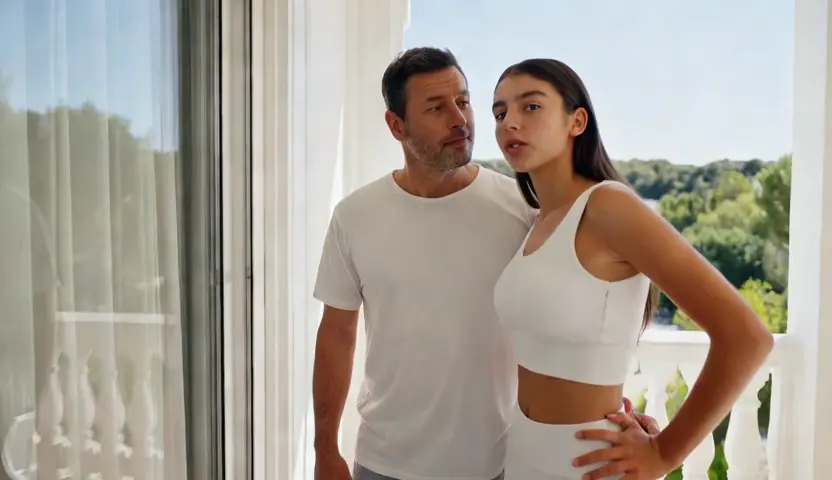
Talvoi's image to video is an AI video generator workflow built for still inputs: you upload a photo, illustration, or product render, and the model generates motion around what is already in the frame. Unlike a basic picture to video converter that only pans across a flat image, Talvoi tracks the subject, plans a camera path, and renders new frames so hair, fabric, water, and light behave like footage. One image returns a short MP4; a batch of images returns a sequenced cut with optional music and captions. Because generation starts from pixels rather than a written script, it fits sellers, creators, and designers who already have the visual but need it to move.
How Does Talvoi's Image to Video Generator Work?
Step 1: Upload Your Photo or Image Set
Drop in a single JPG, PNG, or WEBP, or upload several photos you want in one sequence. Talvoi reads resolution and subject placement first, then decides how much motion the frame can carry without breaking edges or faces.
Step 2: Choose Motion, Style and Music
Pick a camera move such as dolly, orbit, or subtle parallax, add a short motion prompt if you want a specific action, and optionally attach a music track. For multi-image projects, set transition style and duration so each photo hands off cleanly to the next.
Step 3: Generate, Preview and Export MP4
Render the clip, scrub frame by frame, and regenerate only the segment that flickers or drifts. Exports download as MP4 up to 1080p, and it stays free to start so you can test one hero image before building a full gallery video.
What You Can Do with Talvoi's Image to Video?
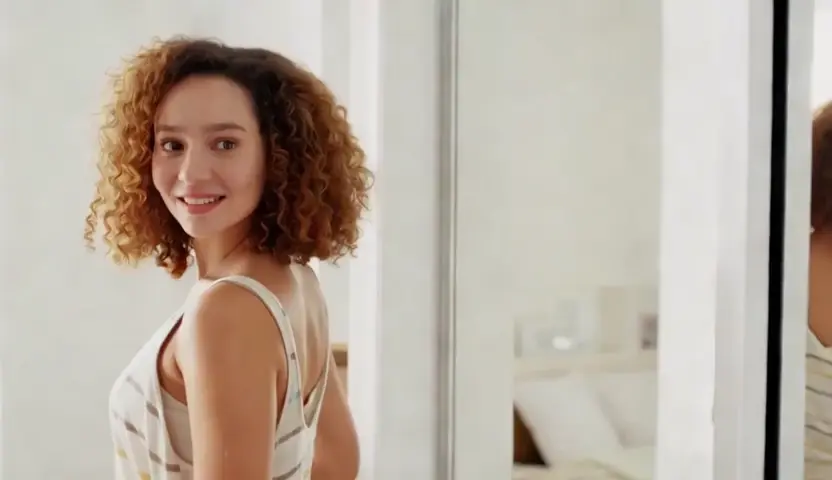
Animate a Product Photo for Ads and Listings
A static packshot rarely stops the scroll, but reshooting is expensive. Upload the hero product image, choose a slow orbit or push-in, and Talvoi keeps label text and packaging geometry stable while light and shadow shift naturally across the surface. E-commerce teams use this photo to video AI path to turn one studio still into several ad cuts for marketplace galleries, paid social, and landing-page headers without booking another shoot.
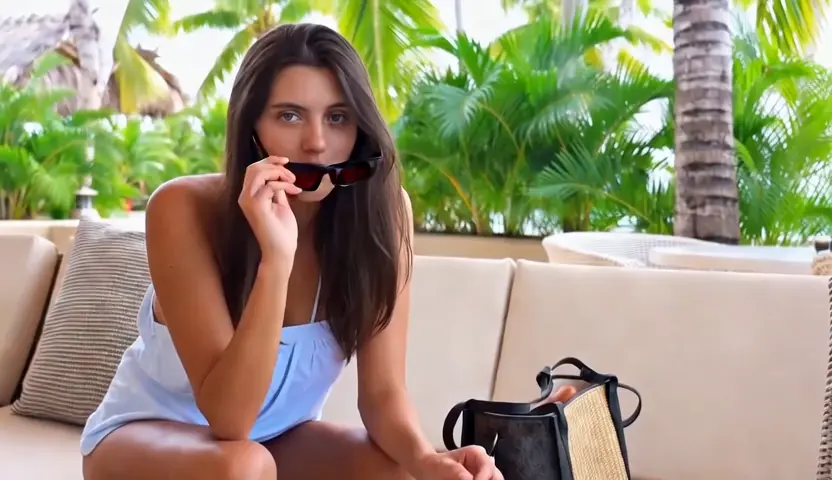
Turn Portraits and Character Art Into Motion
Character creators and illustrators upload a portrait or key art when they need the subject to breathe, blink, or turn slightly toward camera. Talvoi locks facial structure and wardrobe before motion starts, which is what stops eyes and hair from melting between frames in animate image to video AI output. The result is a short loop or story beat you can post, pitch, or drop into an animatic without redrawing the character.
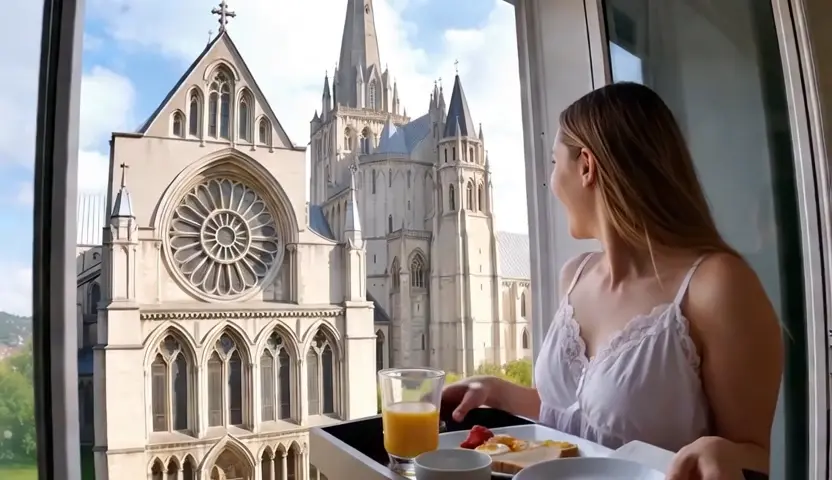
Make a Video From Photos With Music and Captions
Event galleries, travel albums, and brand lookbooks often arrive as dozens of loose stills rather than one hero frame. Upload the set, arrange the order, and Talvoi builds a paced sequence with transitions timed to your track instead of a random slideshow. This is the practical way to make a video with pictures and music for recaps, mood reels, and client deliverables when you already have the photos but not the edit.
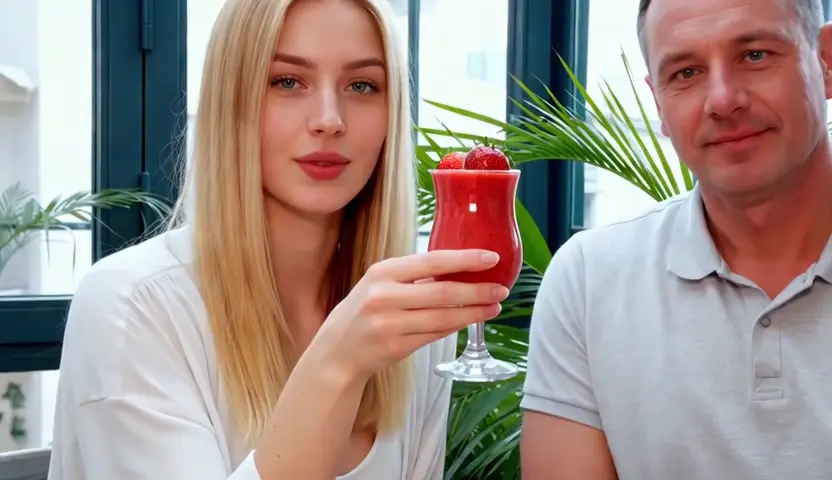
Convert JPG, PNG or WEBP Photos to MP4 Online
Sometimes the deliverable is simply a playable file for a platform that rejects still uploads. Talvoi accepts common photo formats and returns a clean MP4 with the aspect ratio you choose, which covers everyday needs like jpg to video, webp to mp4, and pic to mp4 without opening a desktop editor. Because the export is generated footage rather than a padded image file, it passes platform checks and still looks intentional at thumbnail size.
Who is Talvoi's Image to Video for?
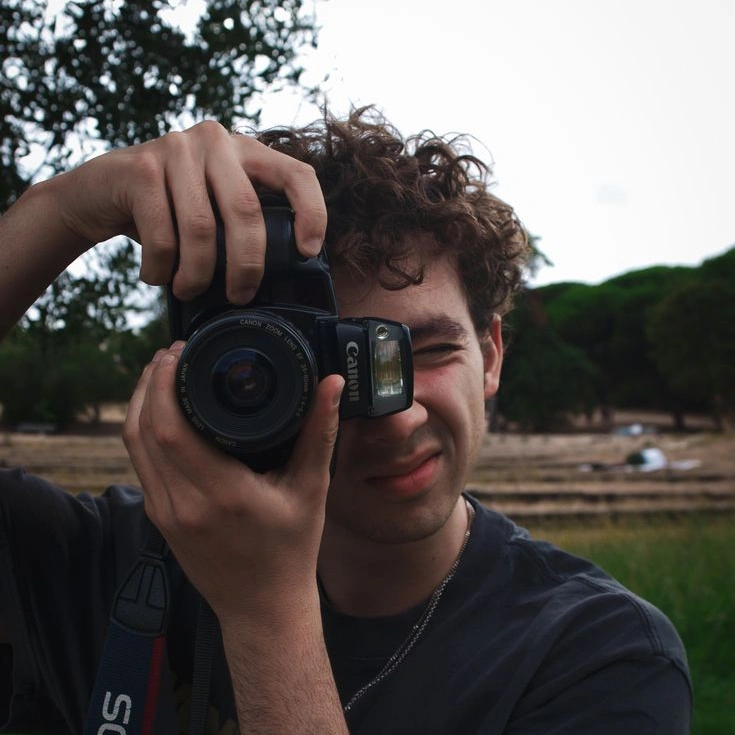
E-commerce Sellers and Performance Marketers
The product photo already exists on the shelf page; the missing piece is motion that sells the click. Turning that still into a short ad clip in-house means more variants to test every week without another production line item.
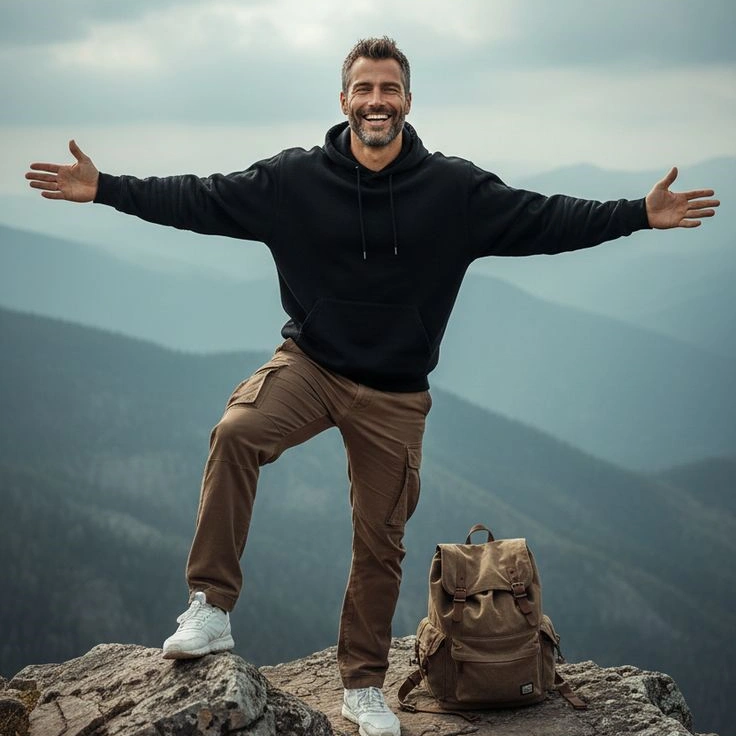
Illustrators, Character Artists and Social Creators
A finished illustration should not stay frozen on a timeline. Free AI animate image workflows let artists publish loops and story beats from work they already own, without rebuilding the scene in animation software.

Photographers, Event Teams and Memory Keepers
Clients expect a watchable recap, not another folder of JPEGs. Creating a video from photos with music and gentle motion turns an album into something shareable while the event is still fresh.
Why Choose Talvoi's Image to Video?
Subject Lock That Survives Real Motion
Cheap converters stretch pixels until faces warp and logos blur. Talvoi anchors the subject before generating new frames, then moves the camera around that anchor so packaging text, skin texture, and illustrated line work stay readable. That is what makes AI generate video from image output look filmed rather than smeared.
Single Photo or Full Gallery, One Workflow
One hero still can become a looping product ad, while ten event photos can become a music-driven recap in the same interface. You choose motion per image or per sequence, set aspect ratio once, and export without switching tools between a portrait loop and a landscape gallery cut.
Browser-Based, MP4 Ready, Free to Start
No install and no timeline to learn: upload, animate, download. Talvoi is free to start online, supports common photo formats in and MP4 out, and keeps projects private to your workspace. Exports on eligible plans ship without a watermark, so the clip is ready to post or hand to a client.