
Free AI Photo Generator - Text & Image to Image Editor
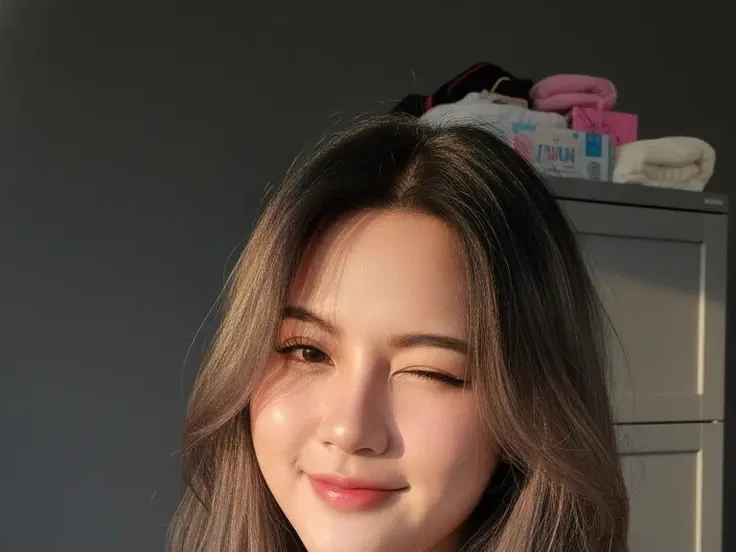
Describe the shot you need and Talvoi renders it in seconds, from photoreal product scenes to illustrated key art. Start from text or upload an image and steer it somewhere new without losing the composition you already like. Free to start in the browser, with high-resolution downloads and no software to install.
What is Talvoi's AI Image Generator?
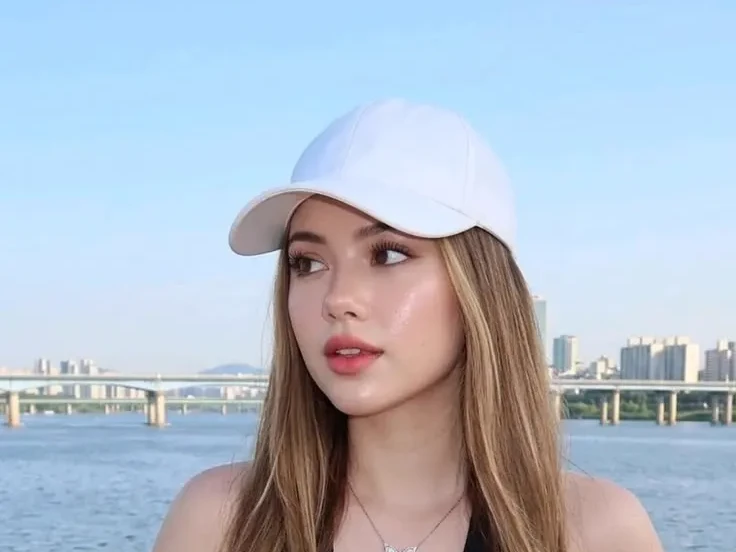
Talvoi's AI image generator is a prompt-driven creation canvas: you describe a picture in plain language, or upload one you already own, and the model renders a finished visual rather than a rough approximation. Two entry points share the same workspace. Text to image builds a scene from nothing, while image to image keeps an existing composition and changes its style, palette, or level of detail. Everything produced here stays a still picture, from concept art and packshots to blog headers and print files, so the output is a high-resolution image rather than a clip. Style references, seed locking, and masked edits make the second version predictable instead of another roll of the dice.
How Does Talvoi's AI Image Generator Work?
Step 1: Describe the Image or Upload a Reference
Write what should be in frame, including subject, setting, and mood, or drop in a sketch, screenshot, or photo to work from. A negative prompt field lets you rule out the elements you never want, which is faster than rewriting the whole description.
Step 2: Set Style, Aspect Ratio and Reference Locks
Choose a photoreal or illustrated look, pick 1:1, 4:5, 16:9, or a custom canvas, and attach a style reference when a series has to match. Locking the seed keeps your next render close to the one you liked instead of producing an unrelated picture.
Step 3: Generate, Refine and Download
Review a grid of variations, mask any area you want reworked, then upscale the winner for web or print. It stays free to start, so you can test a prompt direction before spending credits on a full set of AI generated images.
What You Can Do with Talvoi's AI Image Generator?
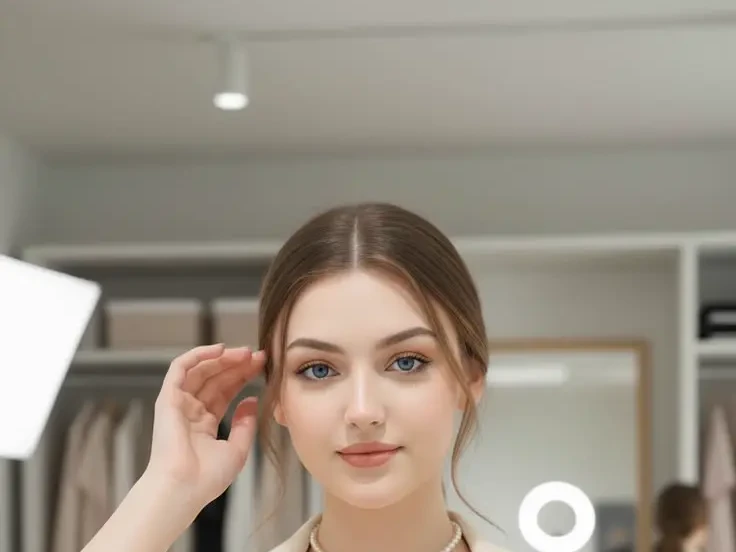
Create Blog, Social and Campaign Visuals From a Prompt
Stock searches rarely match a brief, and licensing the near-miss still costs money. Describe the scene instead and the AI image generator from text composes it to your slot: subject placement, lighting direction, lens character, and deliberate negative space where the headline will sit. Because canvases render at native social and blog dimensions, the picture arrives already framed for the placement rather than awkwardly cropped into it later.
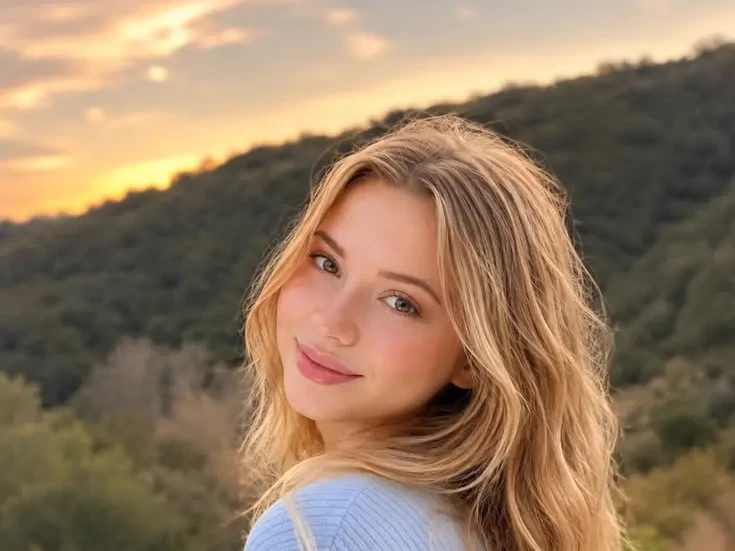
Produce Product and Brand Photography Without a Studio
Small brands need clean listing imagery long before they can afford a shoot day. Generate packshot-style scenes with controlled backdrops, softbox lighting, and a consistent shadow direction so an entire catalog looks like one session. The AI photo generator treats reflective surfaces and material texture separately from the background, which keeps glass, brushed metal, and woven fabric believable rather than uniformly plastic.
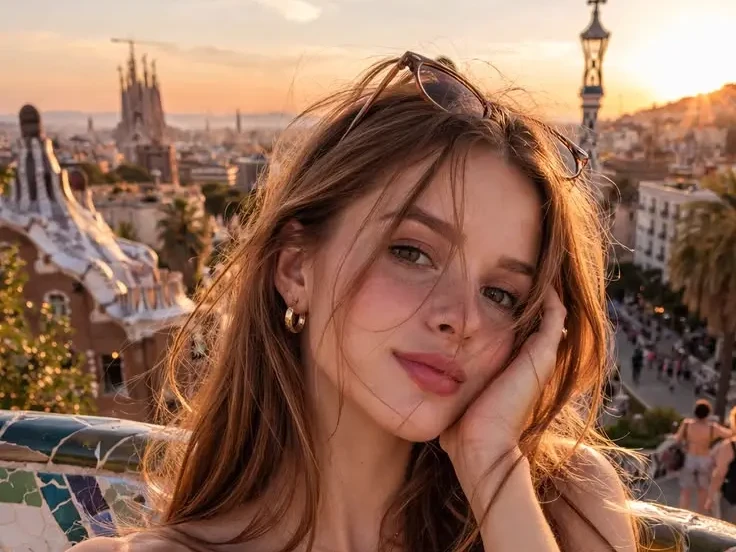
Restyle a Sketch or Photo You Already Own
Starting from a blank prompt wastes the work you have already done. Upload a rough sketch, a wireframe, or a shot from your archive, and image to image AI holds the composition and pose steady while the style, palette, or era shifts around it. Concept artists use this to push a thumbnail toward finished key art, then generate controlled variations of an approved layout instead of redrawing each one.
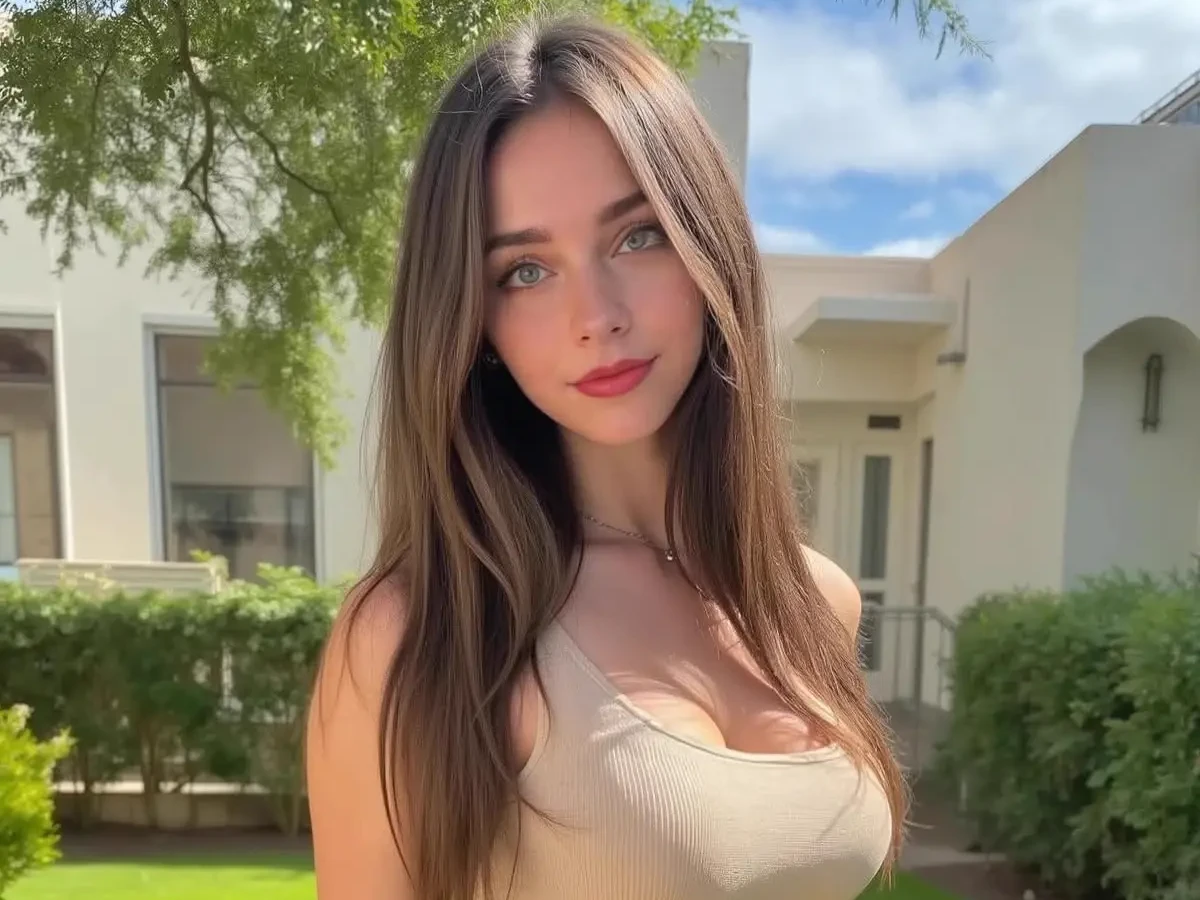
Fix the Last Ten Percent With Masked Editing
Most images fail on a small detail: a distracting object, a cramped crop, a background that fights the subject. Brush the area and Talvoi regenerates only those pixels, matching grain, perspective, and light falloff to the untouched part of the frame. The same canvas extends an image outward when a vertical asset has to become a wide banner, so one AI image editor pass replaces a round trip through desktop software.
Who is Talvoi's AI Image Generator for?

Marketers and Content Teams
Every campaign needs more visuals than the design queue can absorb. Producing them from a brief keeps landing pages, newsletters, and ad sets on schedule without another licensing invoice or a week of back and forth.
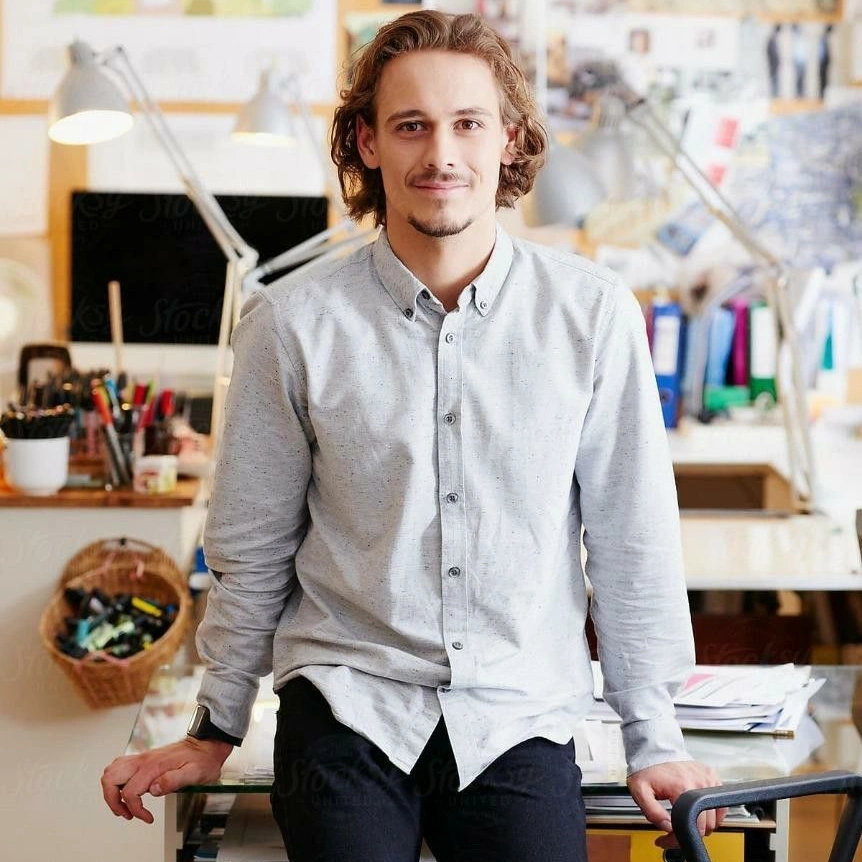
Designers, Illustrators and Concept Artists
Exploration is the expensive part of visual work, not execution. Generating twenty directions before committing to one lets an artist arrive at a review with options, then take the chosen frame into finished production.
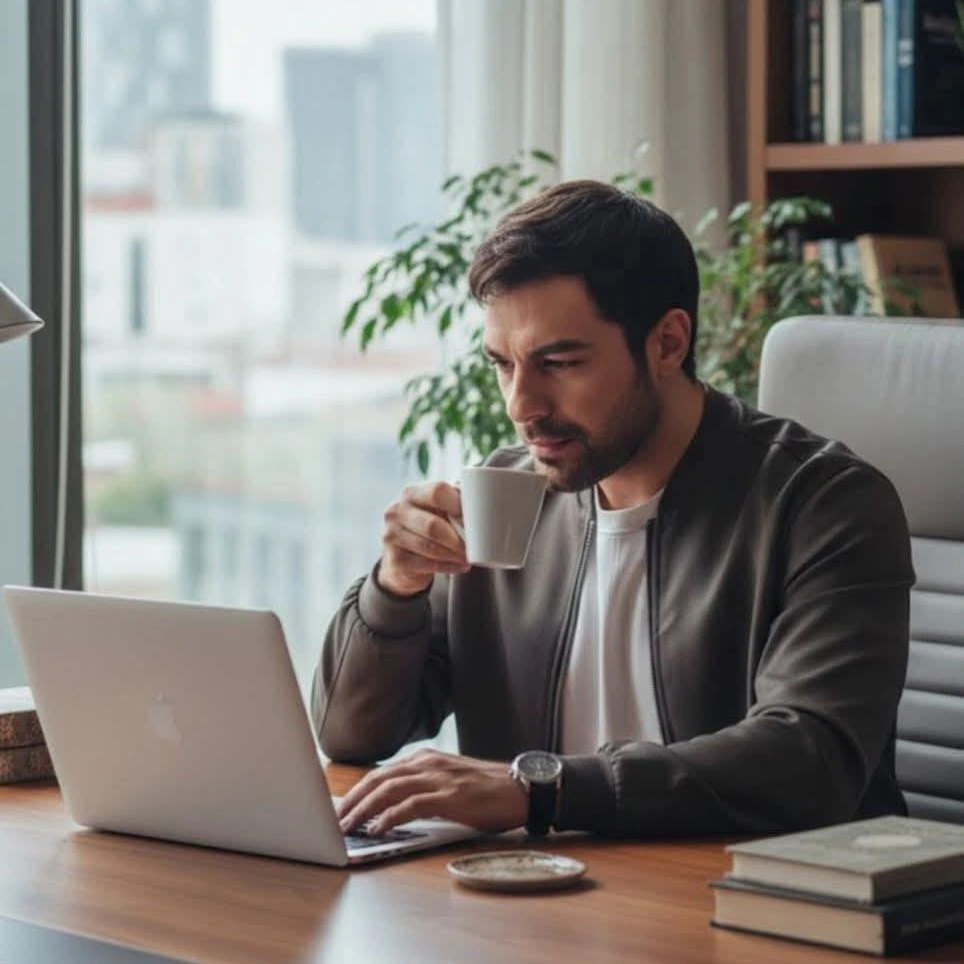
Sellers, Solo Founders and Creators
When you are the whole team, a free AI image generator is the difference between launching and waiting. Product shots, thumbnails, and store banners can all come out of the same afternoon and the same prompt library.
Why Choose Talvoi's AI Image Generator?
Prompt Fidelity Down to the Details Others Miss
Getting the subject right is easy; getting hands, product labels, and on-image typography right is where most tools fall apart. Talvoi renders text elements as shapes it has to keep legible rather than decorative noise, and anatomy passes run before the final frame is returned. Fewer discarded generations means fewer credits spent reaching a usable picture.
Generate, Restyle and Edit on One Canvas
A prompt, an uploaded reference, and a masked correction all live in the same workspace, so you are never exporting a file just to fix a corner of it. Move from text to image, into a variation set, then into a targeted edit without changing tools or losing your seed and style settings along the way.
Print-Ready Output You Actually Own
Web previews are not enough when an image ends up on packaging or a poster, so upscaling runs to high resolution without softening edges or inventing texture. Talvoi is free to start, your prompts and renders stay private to your workspace with no public gallery, and the pictures you create are yours to publish commercially.